


Android
Phones, tablets, head units, Android widgets, and flexible dashboard setup.


HobDrive today
HobDrive connects to your car through ELM327 and GPS, shows live data while you drive, watches for trouble codes, calculates fuel consumption, and keeps trip history for later analysis.
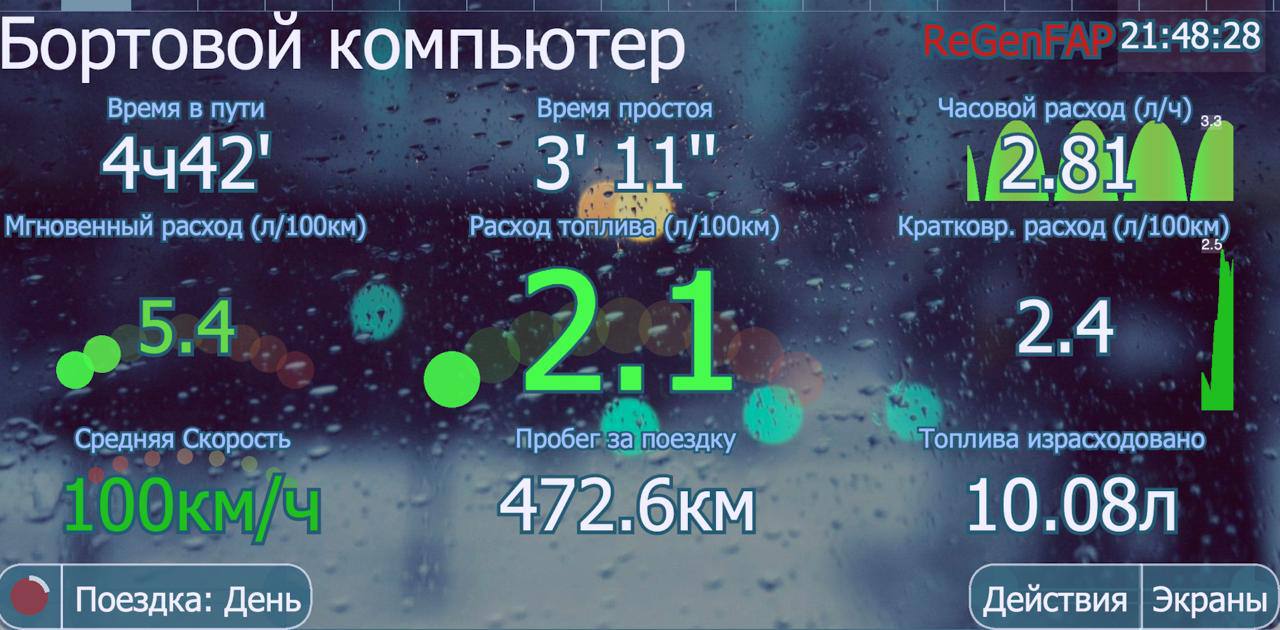
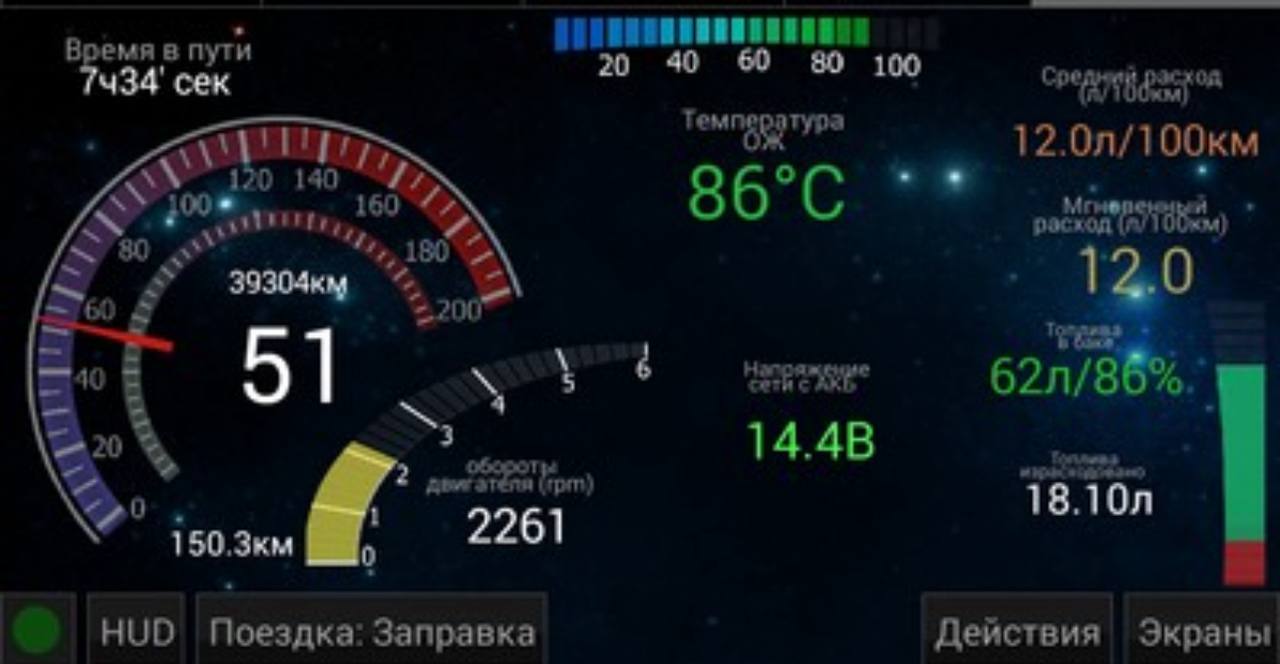
Speed, RPM, temperature, fuel economy, mileage, idle time, and connection status are collected on dashboards you can adapt to a specific car and to your driving style.
On the road
HobDrive keeps the common driving numbers close at hand: instant and average consumption, speed, warm-up, idle time, distance, estimated range, and warnings. Build screens for everyday driving, highway trips, diagnostics, or a night HUD mode.


After the trip
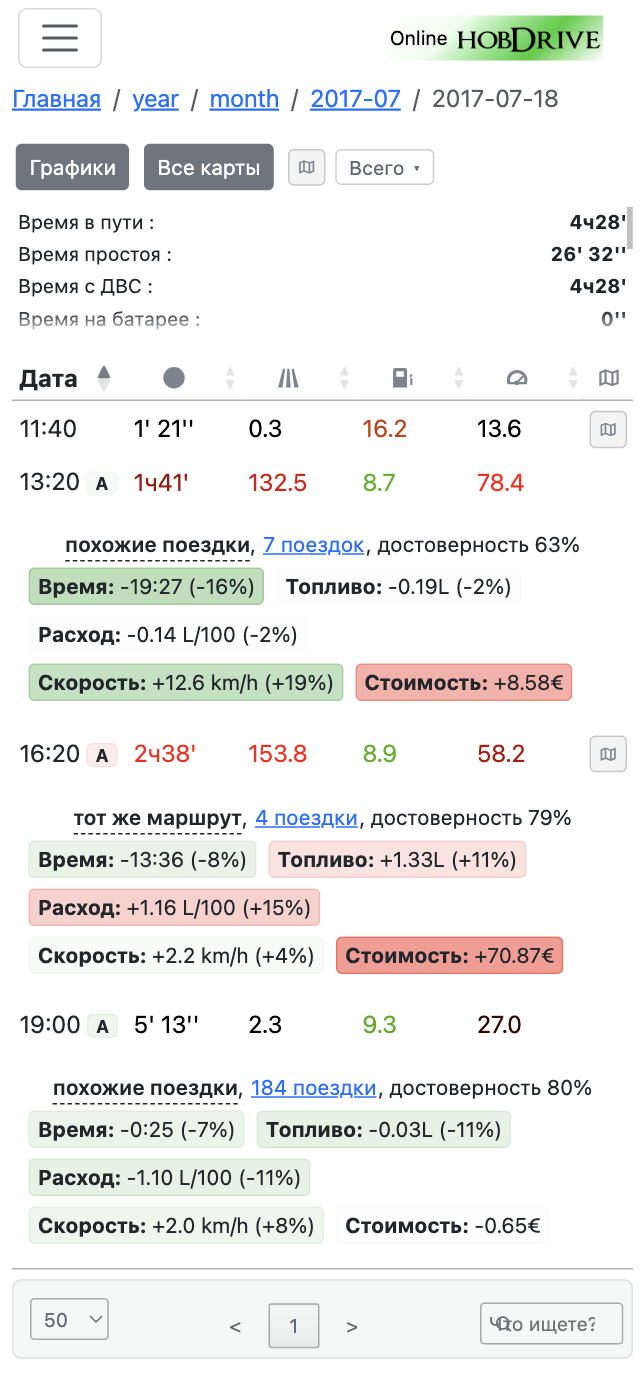
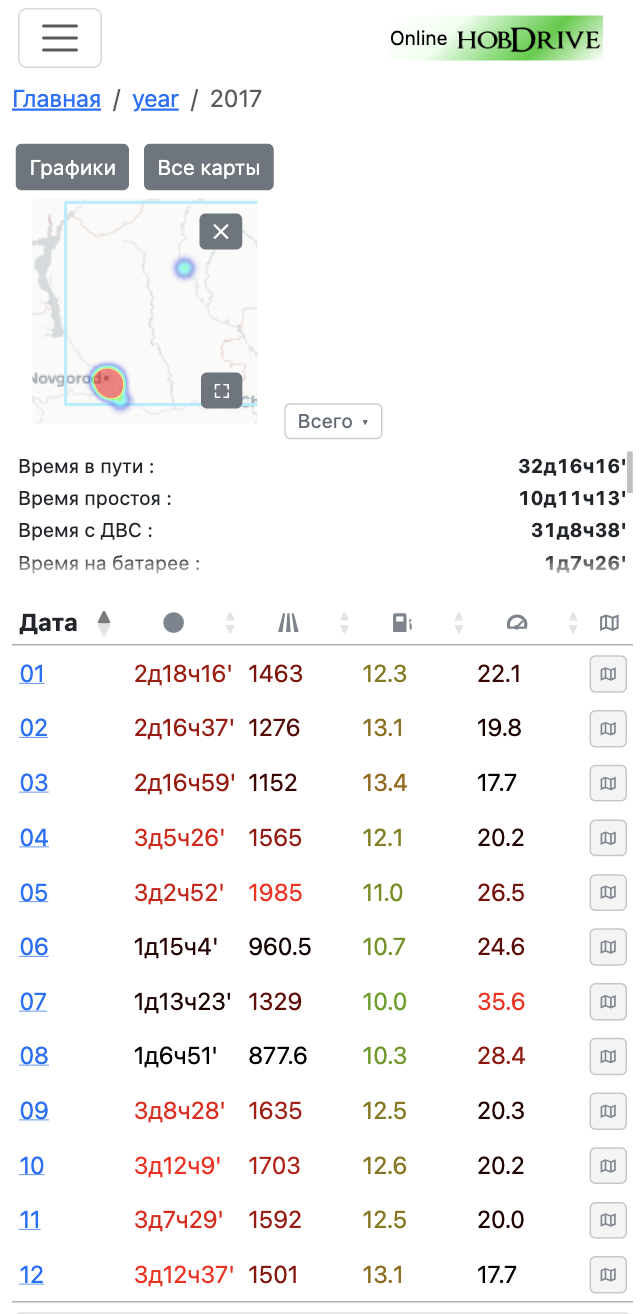
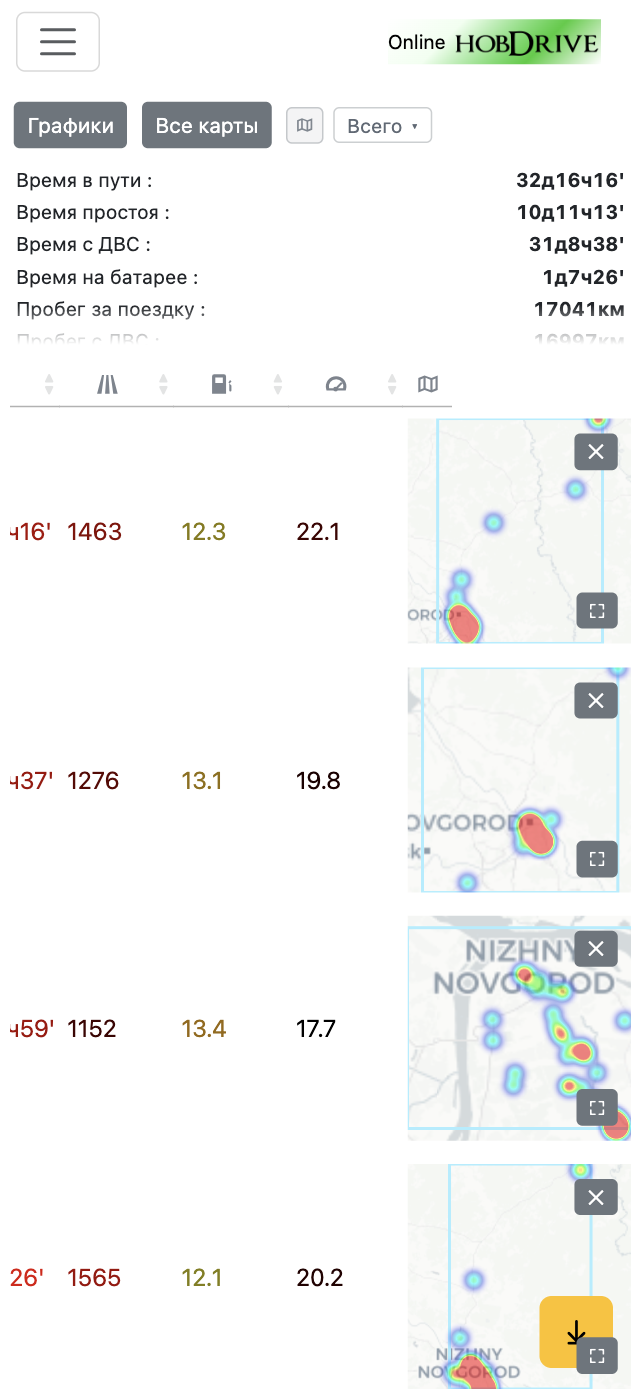
The app accumulates statistics by trips, days, weeks, months, and fuel fill-ups. Cloud upload keeps the latest data available online, so you can review routes on a larger screen and compare fuel use, idle time, speed, and ownership cost.
Diagnostics
HobDrive reads and clears diagnostic trouble codes, monitors the MIL state, warns about new errors while you drive, and helps notice overheating, unusual fuel trims, and other problems.
Active and pending DTCs with descriptions and reset support.
Errors, temperature, and key sensors can be watched during every trip.
Support for manufacturer protocols and non-standard control units.
Fuel and ownership
HobDrive calculates consumption with several methods for gasoline, diesel, hybrid, and dual-fuel configurations. Warm-up, traffic idle time, consumption without idle periods, trip intervals, and fill-up records are tracked separately.
Platforms
Phones, tablets, head units, Android widgets, and flexible dashboard setup.
iPhone and iPad support, Bluetooth LE and Wi-Fi adapters, modern screens, and active development.
Automation shortcuts and a convenient workflow for cars with CarPlay or Android Auto.
CarPlay shortcut guideBuilt-in Android-based car systems are a natural fit for a permanent HobDrive installation.
Interface setup
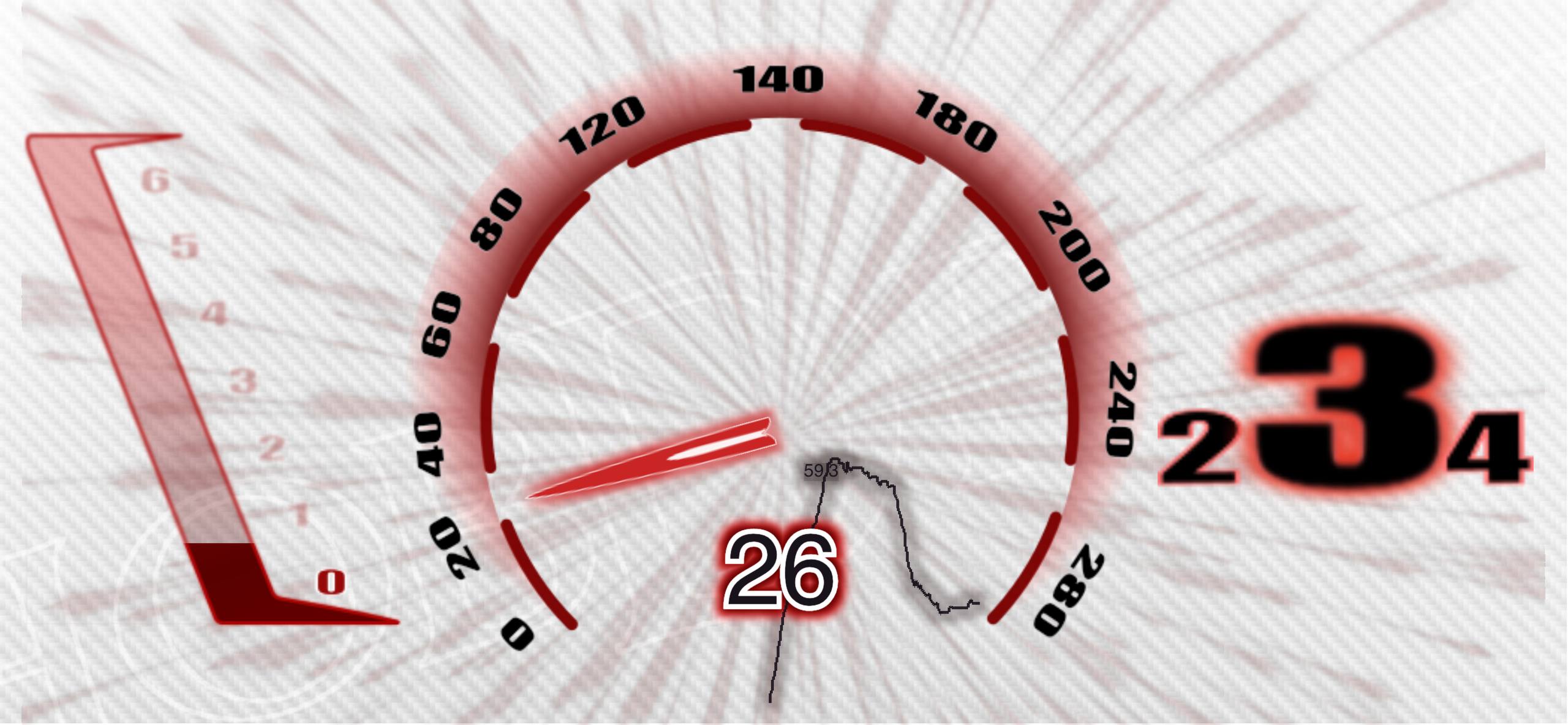
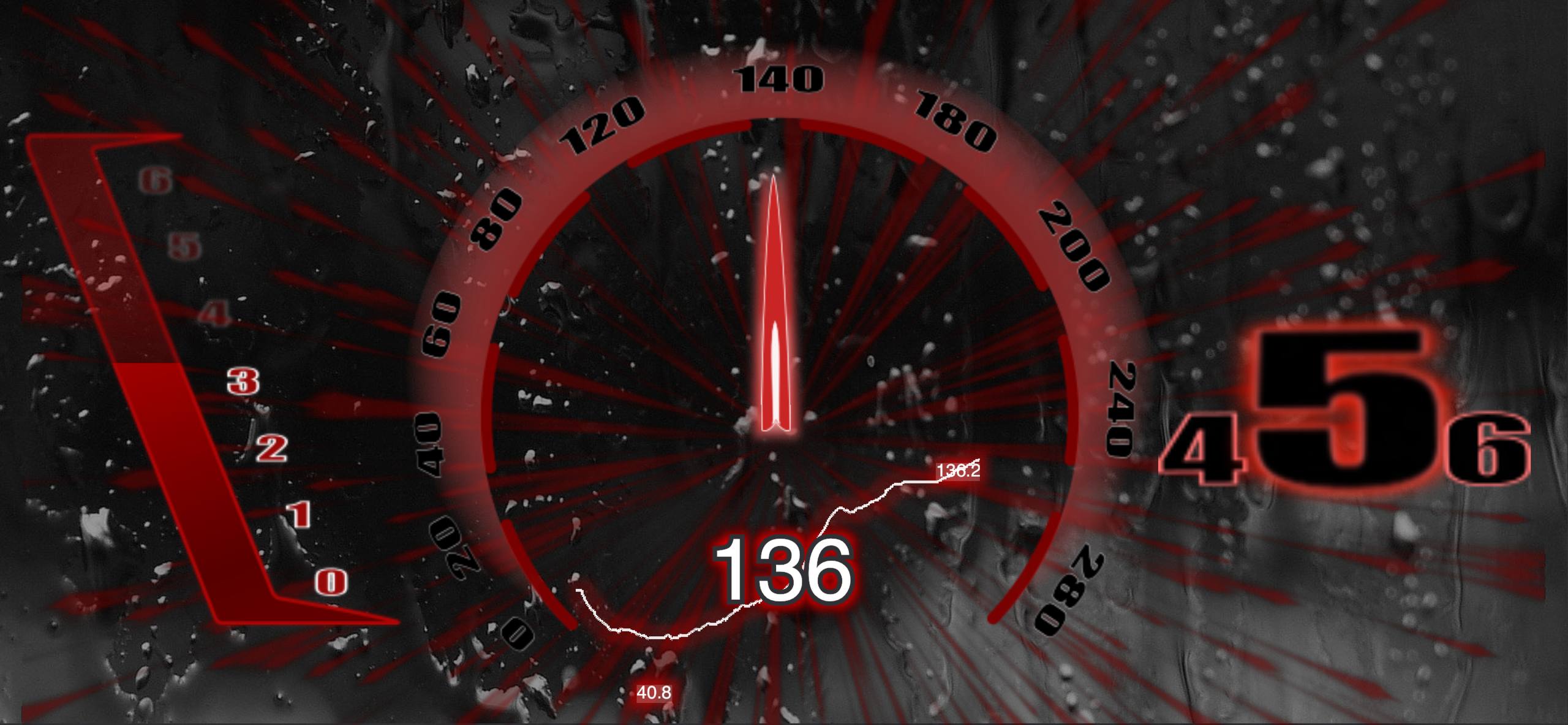
Themes, screen sets, widgets, charts, indicators, and DashKits let you build an interface for a particular vehicle: from a clean daytime screen to a dense diagnostic dashboard. DashKits can include visual effects and instrument-panel styling, while widgets can be placed on any screen.


Paid users can get help with setup and calibration. If your car is not compatible, the purchase can be refunded.
Buy HobDrive